This Neural Band Works on EVERYTHING
The Mudra Link reads the signals in your wrist and works with almost anything that has Bluetooth. Here's where it shines and where Meta's band still wins.
 By CasPublished Updated Video + article6 min read
The neural wristband Meta showed earlier this year felt like a cheat code for the future. I tried it once and wanted that power on every device I own (my toaster was starting to look nervous). I assumed I’d be waiting years. Then I found the Mudra Link, a wristband that also reads the tiny electrical signals in your wrist and turns them into gestures, but works with almost anything that has Bluetooth: VR headsets, XR glasses, handhelds, laptops, phones, even devices that aren’t out yet. Here’s what it can do, where it falls short, and how it compares with Meta’s Neural Band.
How the Mudra Link works
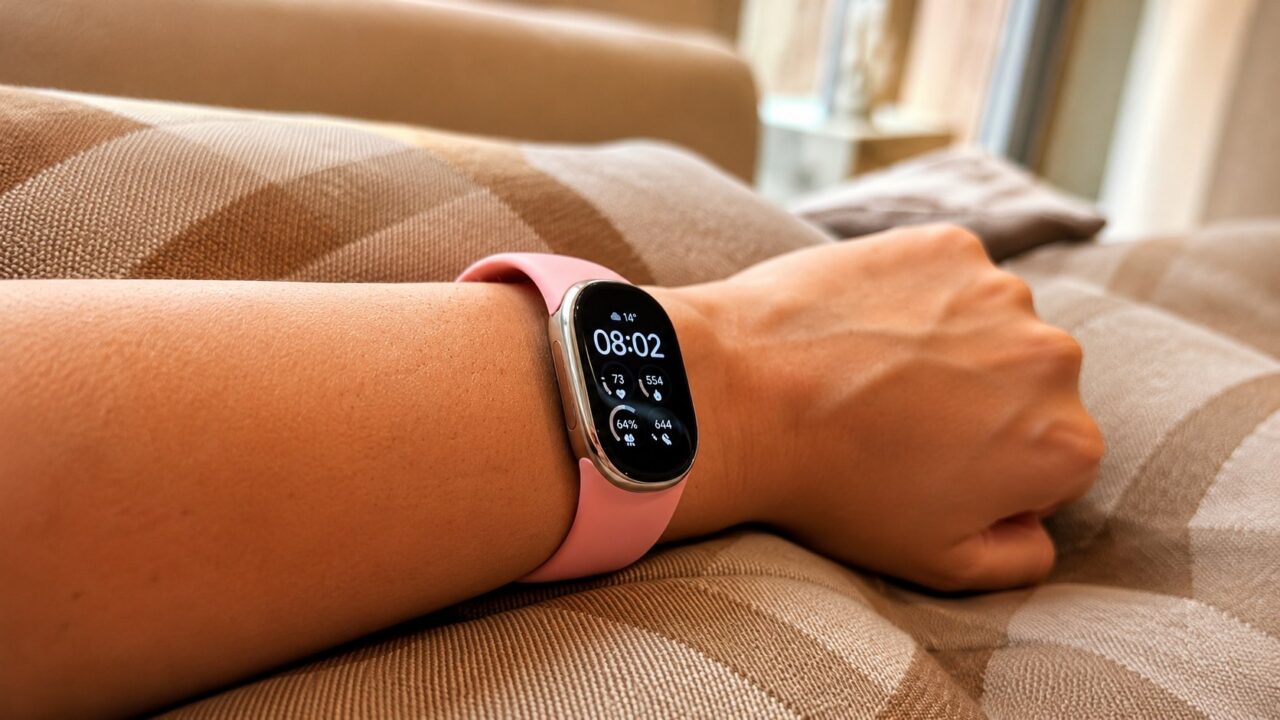
You wear it like a watch, and when we made this video it sold for $249. Inside are EMG sensors, which pick up the electrical signals in your wrist that appear when you intend to move your fingers or hand. Even movements you barely notice create a signal. An AI algorithm trained on these patterns works out what you meant, like a small pinch or a tilt, and turns it into a command.
It also has a regular motion sensor (a small 6DoF unit with an accelerometer and gyroscope) to track your hand. Together that makes a wristband that acts like a Bluetooth mouse or keyboard. Bluetooth is all it needs, so it works on pretty much every major device and operating system. Your wrist becomes an input device.
In the box you get the band, a charging cable and a tiny manual. It comes in one size with a flexible Velcro strap. My wrists are small, so it felt a bit big at first, but it still works fine slid a little higher up the arm.
Mouse mode, keyboard mode and the one button
You set it up once in an app, and after that the band works on its own. The app is only for customizing. Over Bluetooth there are two modes.
Mouse mode gives you a floating pointer that follows your hand:
- Pinch index finger and thumb to left-click.
- Turn your hand over and pinch for right-click.
- Pinch and slide to scroll.
- Twist your wrist once or twice for extra actions.
It feels like an invisible trackpad in the air. In the app on Windows or macOS you can remap any of these to other shortcuts or keys.
Keyboard mode turns gestures into D-pad controls: seven gestures for directions, a double tap for Enter, and twist or double twist mapped to whatever you like. This mode doesn’t always respond well. It often reads my gestures as twists, though that might get better with practice.
There’s one button and one LED:
- Orange blinking: not connected, ready to pair.
- Green blinking: mouse mode, asleep. Tap once to wake it.
- Double tap and it turns pink: keyboard mode. Tap once until the pink blinks to put it on standby.
Our sponsor for part of this video: Kiwi Design
Kiwi Design sponsored a short segment of this video, for its P5000 swappable battery for VR headsets. It’s not connected to the Mudra Link, and Kiwi had no say in the rest. The kit has two small 5,000 mAh power banks and two magnetic docks: one powers the headset while the other charges, and you swap them when it runs low. That’s close to unlimited play time. In a timed test the Quest 3 got to 65% in an hour and the Quest 3S went over 70%. The hook-and-loop mount goes on the side, top or back of your strap. I like the back, because it balances the weight and stays most stable during fast movement. At 105 grams each, I also use them for my phone or camera, and once strapped one to my bike.
Compatibility
If your device has Bluetooth Low Energy, it probably works. That covers all the major operating systems, phones, tablets, computers and most XR devices. It works with the Meta Quest 3, XR glasses like XREAL or Viture, the INMO Air 3 and Rokid’s Spatial AR, and handheld gaming devices. It should even work with upcoming systems like the Steam Frame and Steam Machine. That’s a huge range for a neural input device, especially next to Meta’s, which is locked to one system.
Phones, PCs and handhelds
I tried it with a PC, a MacBook and an iPhone, and it feels natural. Scrolling a web page, moving through an editing timeline, or controlling a movie while leaning back all work great. I enjoyed flipping e-book pages on my iPhone with a tap. On a handheld like the ROG Ally X, or the upcoming Steam Machine, it’s nice for couch setups where you don’t want to grab a mouse. Small, but it quietly spoils you.
It also helps when your hands are busy. Following a tutorial with messy hands, you don’t have to touch the screen. In a presentation you can control everything from a distance without a clicker. I was using it with my teleprompter while recording.
XR glasses: where it shines most
I tested it with the INMO Air 3, and it works just as well with setups like XREAL with the Beam Pro or Viture with its neckband. This might be the Mudra Link’s best use. These glasses act like floating tablets, and the band gives you smoother control than the gyro-only controllers they usually come with. Navigating menus with a neural band is just much nicer.
VR headsets: it fills the blind spots
With VR headsets it’s a different story. On the Quest 3 the gestures work smoothly, but they overlap with the built-in hand tracking. You still wave your hand around with the Mudra Link, so most of the time you might as well use native hand tracking. On headsets with good hand tracking, I’m not sure it adds a clear advantage.
There are cases where it helps:
- In low light, when the Quest’s hand tracking gives up, the Mudra keeps working.
- It keeps tracking when your hands drop out of the cameras’ view.
It doesn’t do 6DoF positional tracking, though, so in VR you can’t pull windows closer or push them away. It doesn’t replace hand tracking. It covers the gaps.
On headsets without hand tracking it makes more sense. Standing across the room while streaming PC VR, you can control your PC without walking back to the desk. That could be especially useful with the upcoming Steam Frame, which is made for streaming and doesn’t include hand tracking.
Mudra Link vs Meta Neural Band
The differences show up fast. The Mudra Link is more like a mouse pointer, so you move your whole hand to navigate. Meta’s band works with tiny gestures and very little movement. It can tell finger taps apart and supports thumb swipes for scrolling or rotating your hand to zoom, which is why it feels so futuristic. The Mudra Link is mostly index-finger pinches and twists.
It’s also a bit less responsive. I often have to pinch harder for a click, and press-and-hold doesn’t always register. That’s minor in mouse mode, but keyboard mode needs more work, especially for D-pad movement.
The flip side: Meta’s band only works in Meta’s ecosystem. With the Mudra Link you can map gestures to keyboard shortcuts, so in games with complex controls you can set up macro-style gestures as an extra layer on top of mouse and keyboard. Meta’s band can’t or won’t do that. It comes down to precision on one platform or freedom everywhere.
You do move more with the Mudra Link, which the lazy gremlin in me likes less. But the pointer-style navigation lets you jump through interfaces quickly, faster than gesture-only systems.
Battery, build and comfort
- Battery: around two days, recharging in about 80 minutes.
- Water resistance: IP56.
- Materials: biocompatible silicone, a soft nylon strap and stainless steel sensors.
It’s comfortable, but like Meta’s band it has to sit a little tight for the sensors to make contact, so long sessions can leave light pressure marks. Nothing painful.
Is the Mudra Link worth it?
The best thing about it is how flexible it is. It jumps between platforms, apps and whole categories of tech without complaining, and that makes it feel like a step toward the neural control we’ve been waiting for. It needs some improvement, but you can sense the start of a way of using tech where your hands aren’t tied to screens or controllers.
Whether it’s worth $250 depends on how many devices you’ll pair it with and whether mouse mode is enough for you. If you use XR glasses, I think it’s a surprisingly strong companion, and I’ll be using it a lot more. You can find it on the Mudra Link page.