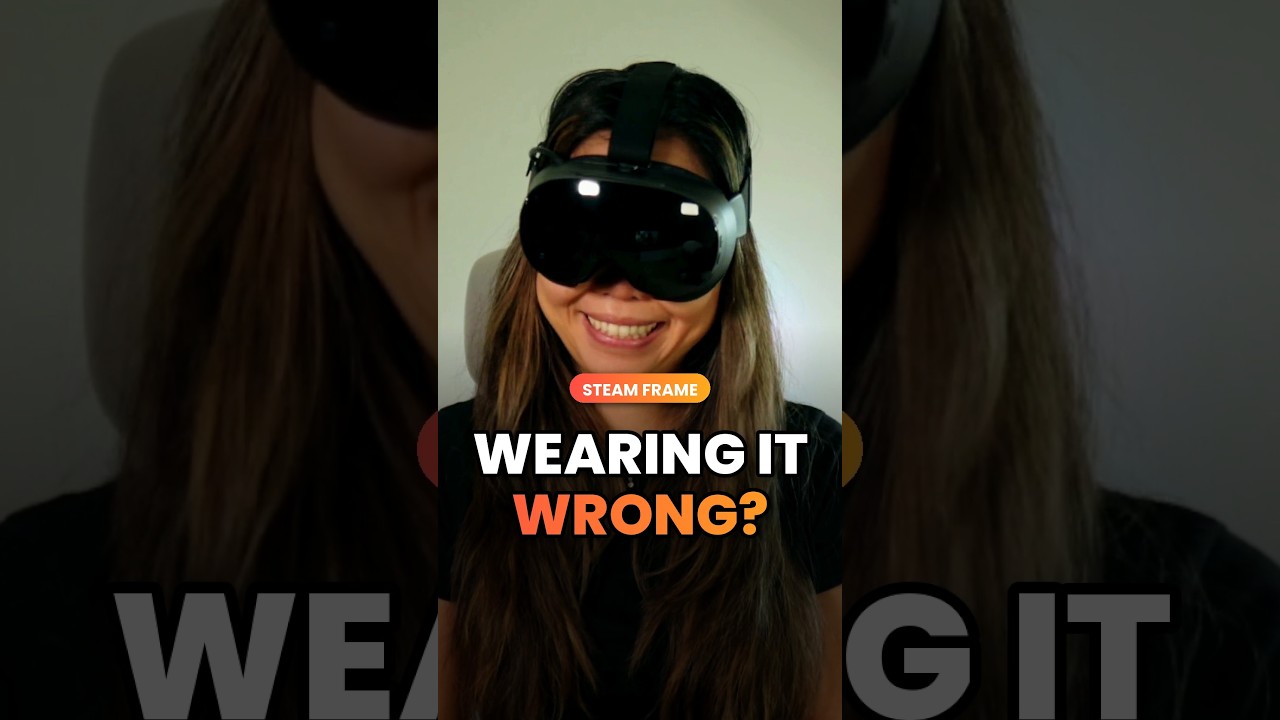
No Mouse Cursor on Steam Frame? Here’s the Fix
 By CasPublished Short
No mouse cursor in Steam Frame desktop mode? It’s bugged right now, but one Konsole command brings it back.
Open your Linux desktop, go to the menu → System → Konsole, paste this, then reboot the headset (thanks ThrillSeeker!). Replace [ANGLEBRACKET] with the actual symbol (or follow the on-screen text), YouTube doesn’t allow it in descriptions:
mkdir -p ~/.config/environment.d
echo ‘KWIN_FORCE_SW_CURSOR=1’ [ANGLEBRACKET] ~/.config/environment.d/90-kwin-software-cursor.conf
To undo it, delete the 90-kwin-software-cursor.conf file. This is my favorite tip, because now you have a full Linux desktop on your face. With great power comes great responsibility.
▶ Full video: 10 things to do first on your Steam Frame → https://youtu.be/jtW2mQd5qYI
► 🛠️ Our XR Hub (gear & studio) → https://casandchary.com/gear
► VR Discount Codes → https://casandchary.com/discount-codes-affiliate-links/
► Patreon → http://bit.ly/PatreonCasandChary
This video was not sponsored. No review direction was received, and our opinions are our own. This description may contain affiliate links, which may earn us a small fee at no extra cost to you.
#casandchary #SteamFrame #Linux #SteamOS