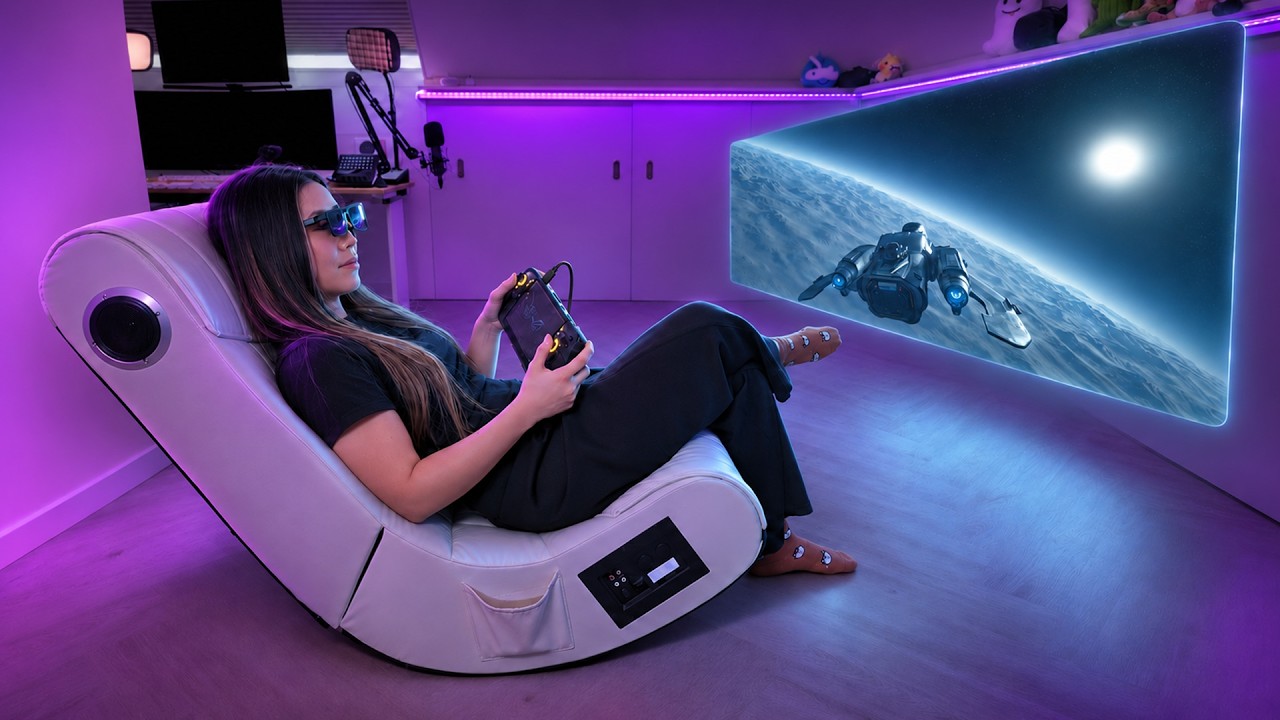
Which is the BEST VR Cloud Gaming Service? Shadow VR VS PlutoSphere
Shadow VR and PlutoSphere compared for Quest owners without a gaming PC: devices, countries, pricing, storage, setup and how the games actually play.
 By CasPublished Updated Video + article4 min read
Say you own a Quest, don’t have a powerful gaming PC, and there’s one SteamVR game you want to play, probably Half-Life: Alyx. Buying a gaming PC for that one game is a lot. VR cloud gaming is the alternative: a service streams the game to your headset, no PC needed. In 2022 there were two consumer-friendly services that work with VR, Shadow and PlutoSphere. I didn’t think this was viable until my earlier PlutoSphere how-to, which also showed its downsides, so many of you asked for a comparison with Shadow VR. Here are the pros and cons of each and how they compare side by side.
Ridge Wallet sponsored this video. That pays for our time, not for the verdict.
One caveat: this isn’t an entirely fair fight. PlutoSphere was in early access, and many features Shadow already has were still coming. I mainly tested VR streaming, since that’s PlutoSphere’s core use.
Focus and supported devices
Shadow is mostly about flat-screen cloud gaming, and VR is a side project: its Quest app was still in beta. PlutoSphere focuses on XR, with flat gaming second. Its virtual PCs come with SteamVR pre-installed. On Shadow you install it yourself.
- VR: both support Meta Quest 1 and 2. Other headsets may follow.
- Shadow (non-VR): Windows, macOS, Ubuntu, Android and iOS. As far as I can see you need to install an app, as it doesn’t open in a web browser.
- PlutoSphere: Android, iOS and HoloLens 2, with Windows coming. You can also open the virtual desktop from any device with a web browser.
Where you can use them
Shadow was available in eight countries: the US, UK, Belgium, France, Germany, Switzerland, Luxembourg and the Netherlands. In the US it may not be available in your state. Check on the website by clicking Subscribe.
PlutoSphere runs on Amazon Web Services, which has servers worldwide. An online tool estimates the latency from your browser to AWS data centres: if anything shows under 100 ms (CloudFront doesn’t count), you should be able to use PlutoSphere.
Pricing, billing and storage
The billing is very different:
- Shadow: a monthly subscription from $30 with unlimited use. You can cancel any time up to 48 hours before it renews, so one month is possible.
- PlutoSphere: pay per hour with tokens. 600 tokens (one hour) cost $2. Buying more at once gets cheaper, down to $1.40 an hour at best. These were early access prices and could change.
Shadow includes persistent storage, so everything you install stays on your virtual PC after you log off. PlutoSphere didn’t include it by default. It was being tested, at around $98 as a one-time fee for a year, price not final. Without it you reinstall your games every time you start the virtual PC, which is annoying. I think PlutoSphere made its pricing far more complicated than it should be and hope it gets friendlier at launch.
Neither has a trial. That’s a shame, because cloud streaming performance can vary a lot between situations.
Requirements and virtual PC specs
To avoid motion sickness:
- Shadow: at least 50 Mbps download and a 5 GHz Wi-Fi network.
- PlutoSphere: at least 50 Mbps and a ping under 100 ms, with under 50 ms recommended for the best performance, plus 5 GHz Wi-Fi 6.
I have a Wi-Fi 6 router, and my ping on both was around 20 ms. Going by online benchmarks, the two GPUs are fairly close, with Shadow’s P5000 seeming a little better but its CPU weaker. PlutoSphere’s download speed on the virtual PC was impressive, which helps when you have to download games.
Setup: Shadow is easier
Shadow needs only your Quest 2. With a membership, install the Shadow app via SideQuest and connect once using a device with a browser. After that you launch it in VR and do everything from there, even switching to a 2D desktop and back to SteamVR. Quick and easy.
PlutoSphere has a lot of one-time setup (covered in my how-to video). After that, every session goes like this:
- Open the PlutoSphere dashboard in any browser and start the service.
- Wait 10 to 15 minutes before the virtual desktop opens.
- Start SteamVR before putting on your Quest.
So Shadow is more user friendly.
How VR cloud gaming plays on each
Everything ran at 72 Hz, with streaming settings close to the recommended ones.
Beat Saber
Fast enough for Expert songs on both, with comparable input lag. In my earlier video PlutoSphere had more input lag, but that seems solved. What caught me off guard was image quality: side by side, PlutoSphere is noticeably sharper. On Shadow I see streaming artifacts, and it’s visibly worse than a real PC. PlutoSphere does a fantastic job, I’d almost say on par with a regular PC.
There’s still a little input lag, so I don’t recommend cloud VR for competitive games like shooters. Slower adventure games work well.
A heavier adventure game
The next game I tried was harder on both: Shadow averaged around 58 fps and PlutoSphere around 53. Still playable and good fun.
Half-Life: Alyx
Great on Shadow, on high settings with 150% supersampling. There’s some blur from streaming artifacts, but it’s beautiful enough. PlutoSphere struggled: whenever the GPU went above 90% I got stutters and performance issues. Its game compatibility list suggested launch options, which helped, but lowered the stream quality to about Shadow’s level while still stuttering more.
Fracked
Played super on Shadow. On PlutoSphere it launched on the virtual desktop but stayed black in VR.
Which VR cloud gaming service should you pick?
Shadow has the best overall performance. Its software is easy and mostly free of hiccups, the games I tried worked out of the box, and launching into Steam is simple. PlutoSphere has better stream quality when a game works, but its software is buggier, game support is patchy, and together with hourly billing that isn’t great. So until PlutoSphere fixes that, Shadow is the way to go. It’s in early access, though, and I’d look again with better game support and simpler pricing.
VR streaming can be tricky, but it’s incredible that it works at all, and it gives more people a way into high-end VR and AAA flat games. If you plan to play lots of them, a gaming PC will be cheaper in the end. I’m curious to see more competition and prices come down, and I’d love to see big companies like Nvidia launch VR cloud gaming for everyone. Both services are on their sites: Shadow and PlutoSphere.