5000+ Android Apps on a 215″ PORTABLE TV! Rokid Station
What the Rokid Station adds to the Rokid Max glasses, how its buttons and remote work, and the pros and cons from my first impressions.
 By CasPublished Updated Video + article2 min read
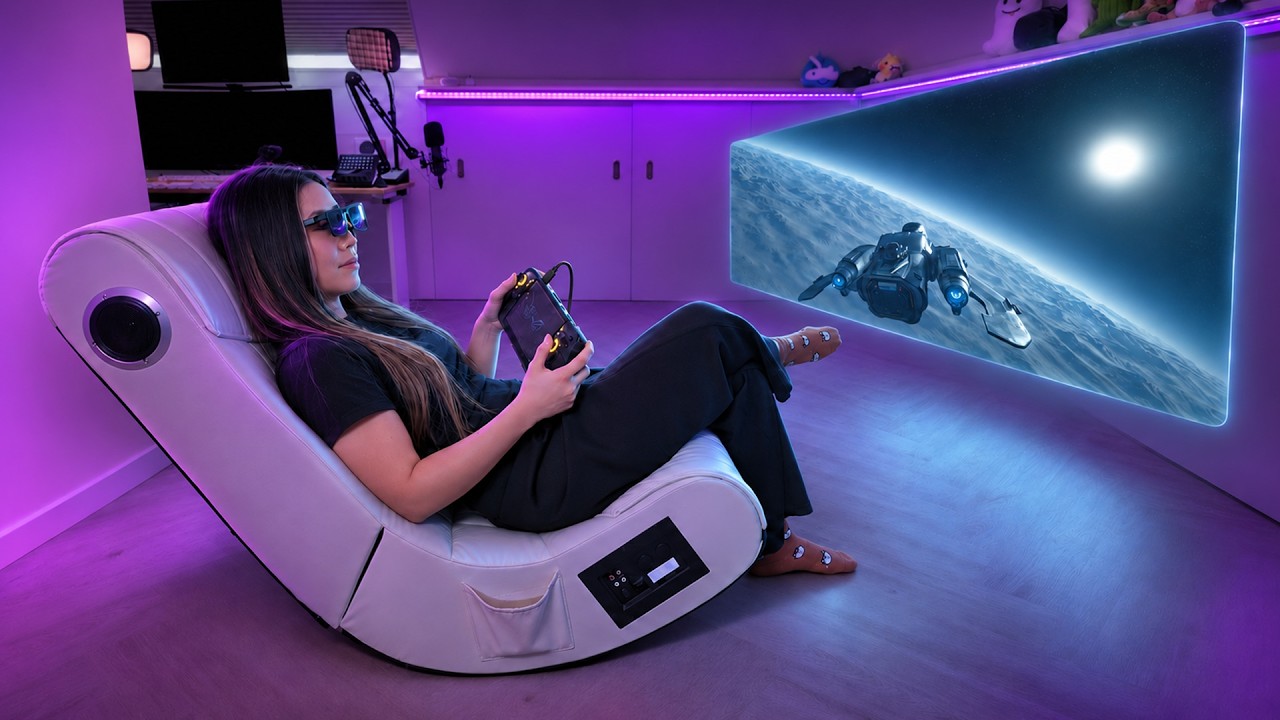
Rokid has a new device: the Rokid Station. It’s a sidekick for the Rokid Max, the glasses that put a virtual cinema in front of your eyes that I’ve talked about a lot. Think of the Station as a pocket-sized Android TV. With it you can use over 5,000 Android TV apps anytime, anywhere, on a huge virtual screen. Here’s what it does and my first impressions.
Rokid partnered with us on this video. They didn’t get to review or steer what I say about it.
What Android TV gives you
Android TV is Google’s smart TV operating system, basically Android for TVs, soundbars and more. The Station runs Android TV 12 and gives your Rokid Max glasses a full TV dashboard. The best part is that you get the Google Play Store straight away:
- Gamers can use cloud gaming and streaming apps like Steam Link, Moonlight Game Streaming and Nvidia GeForce Now.
- Binge-watchers get HDCP support, so Disney+ and HBO Max work.
- Multitaskers can connect a Bluetooth keyboard for some productivity on the go.
With over 5,000 apps there’s plenty to explore. I’d search for a list of Android TV apps to see if there’s something you’d actually use.
Google Assistant and Chromecast
Because it’s Google’s OS, you also get Google Assistant for voice commands and questions. It’s not at ChatGPT level, but I was really impressed with it.
The Station also works as a Chromecast. With a compatible device you can cast wirelessly to your Rokid Max glasses: YouTube, Chrome web pages, and for fun I even cast my Quest 2 headset. It worked like a charm.
I like this OS. It’s sleek, minimal and fuss-free, with no random apps cluttering it up. It’s the same reason I prefer phones like the Google Pixel over more cluttered alternatives.
Rokid Station design and buttons
The Station is sleek and functional, and you navigate the OS with physical buttons:
- Top: up, down, left and right buttons, plus a confirm button.
- Below those: back, home, apps and settings buttons.
- Left side: volume buttons.
- Right side: power button.
- Bottom: a micro HDMI port for display out and a USB-C port for charging.
There’s also a status light and a battery indicator. Rokid includes a remote in the box that copies most of the Station’s buttons and adds a dedicated Google Assistant button.
What the Rokid Station gets right
- Independence. The Rokid Max glasses no longer depend on another device. Before, if your phone or laptop didn’t work well with the glasses, that was it. With the Station you can do a lot with just this pair.
- A cinema in your backpack. In a park, on a train or on the couch, you’ve got a big-screen experience. If the sun is too bright outdoors, you can snap covers onto the glasses.
- Charge and play at the same time. This is a big one for me. You can charge the Station while you’re still watching or playing, so a low battery doesn’t interrupt you.
- Battery. It has a 5,000mAh battery that gives you around 5 hours on a full charge, and the Station doubles as a power bank.
- Offline and 3D. You can import your own videos and watch them without internet. And the glasses support 3D, so you’re getting a 3D cinema.
What it’s missing
- Netflix, for now. Rokid was working on the certificate it needs for Netflix support when we made this video and promised to keep us updated.
- Wi-Fi. It’s portable, but most apps need Wi-Fi to work their best.
- Head stabilisation. I hoped it would be there, and it isn’t yet.
- 3DoF tracking. Without three degrees of freedom you can’t pin the screen in your surroundings. The screen follows your eyes wherever you look. I hope Rokid adds this.
- Casting from Apple devices. It’s Android-based, so Apple’s casting is off the table.
Price at launch
When this video came out, you could pre-order the Rokid Station for $129 until 31 August, after which it would retail for $139. The Station and Rokid Max bundle was $529 on pre-order and would go to around $550 later.
Who the Rokid Station is for
It’s a niche device, but it does its job well. It’s perfect if you’ve wanted the Rokid Max glasses but don’t have a compatible device, or don’t want to carry extra devices around.
I can also see a clear use for it when you want to save your phone’s battery, for example on a long flight: watch on the Station instead. If you think about it, it’s a pretty cheap alternative to using a phone for this.