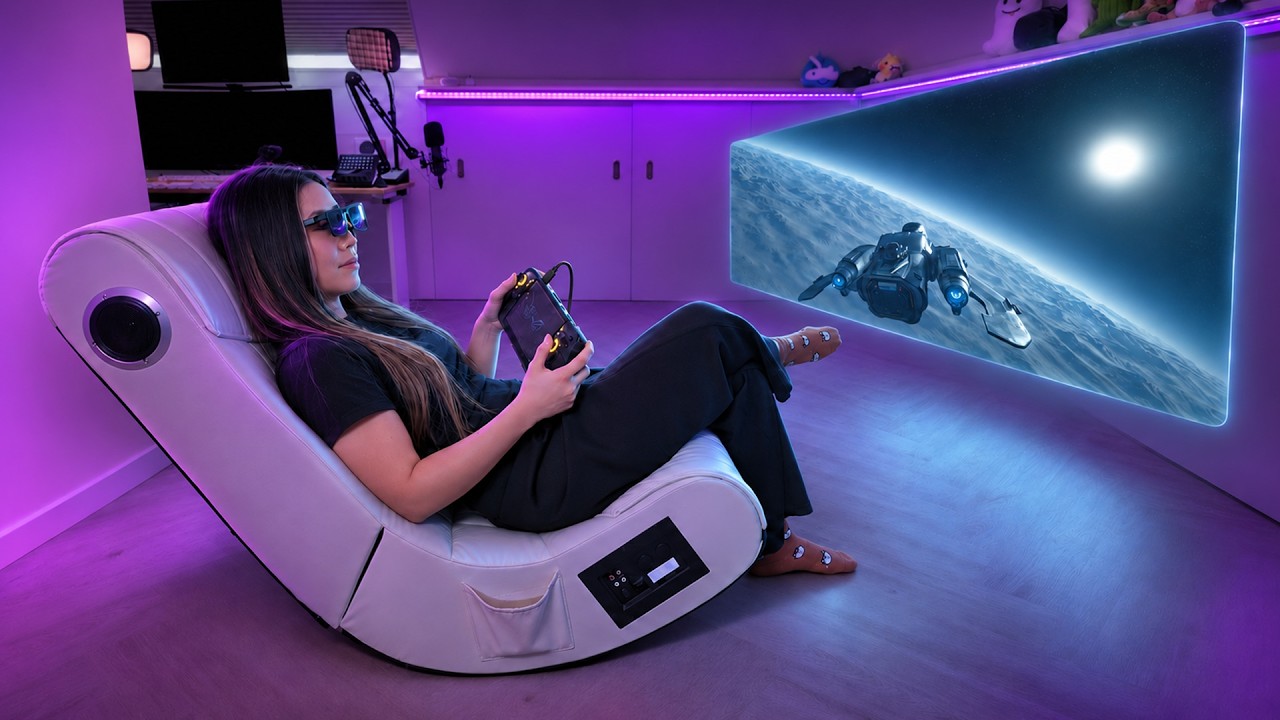
XGIMI MemoMind One: These $399 AI Glasses Do More Than They Should
Weeks with XGIMI's camera-free AI glasses: what they do day to day, battery, comfort, the paid memory feature, and how they compare with the Even G2.
 By CasPublished Updated Video + article6 min read
A projector company just made smart glasses, and that might be exactly why they’re worth a look. This is my MemoMind One review. XGIMI spent years making screens and then put one in front of your eyes, calling it “the most natural AI display glasses”. I’ve worn them for weeks, sometimes six hours at a stretch, indoors, outdoors and at the gym, to answer five questions: are they useful day to day, what can they do, are they comfortable, how’s the battery, and are they worth it over everything else?
XGIMI sponsored this video. That doesn’t change how I review things, and you’ll see that in the cons.
How they work day to day
There’s no controller or ring. You get one button on the right temple, and I thought I’d mind that more than I did. Press it and the main menu comes up. Press again and it cycles through your widgets: calendar, stocks, news. You choose all of that in the app: your Google Calendar, the stocks you watch, even which news sources show up. It’s built to be glanced at when you have a spare second.
The catch: that button only controls the main menu. To start most other features, you pull out your phone and do it in the app.
Double-tap the button and you get a shortcut menu, which is a nice touch. You turn your head left and right to scroll through three shortcuts and press to select. You pick those shortcuts yourself, so subtitles, the translator or whatever you use most.
Setup is quick. You press the button to pair, connect over Bluetooth, link the app and allow notifications. Most of your info lives in the app and on your phone, not on the glasses. I like that. Your data isn’t on something you could lose or break, and moving to a future pair should be painless.
Comfort, display and audio
They weigh 46.6 grams, close to regular glasses. XGIMI calls it “a fit that forgets itself”, with 175 degrees of natural curvature, flexible hinges and the heavier parts balanced behind your ears. For the most part that’s true. My one issue is the nose: the nose pieces press in and leave marks after a while. Everyone’s nose is different, but I noticed it.
The temples are beta titanium with magnesium-aluminium, or acetate, depending on the style. They feel sturdy and well made.
The display is where the projector background shows:
- Waveguides with a dual micro-LED display, 640 by 350 per eye.
- The image floats 1 to 5 metres in front of you, about 2.5 metres by default. You can set distance, height, depth and brightness.
- Monochrome green, up to 2,000 nits. Easy to read outside.
- Light is directed downwards to limit leakage. It’s mostly true: from the other side you can catch the display at a few angles, but it’s hard for anyone to read what you’re reading.
- ZEISS custom prescription lenses are supported.
I know green monochrome turns some people off. I get it. But right now it’s what lets display glasses last all day.
There’s no camera, by design. With your permission, though, they listen and record through your day, which is still privacy-sensitive. More on that below.
The speakers in the temples use Harman AudioEFX, with three directional mics. Voices sound a bit muffled, but the audio isn’t bad. I’m not an audiophile, and when I don’t want to be sealed off by earbuds and still want to hear people around me, I love using these as my audio device.
Battery life
XGIMI claims 16+ hours of mixed use, and it tracks. I ran mine from 9 a.m. with music during a workout, notifications coming in and AI memory on, and at 3 p.m. it was still at 81%.
To charge, you snap an adapter onto the frame and plug in the cable, so you can wear them while they charge. Standby is rated at 3+ days connected and 10+ days disconnected. I haven’t had battery problems, which is a breath of fresh air with these glasses.
That’s probably why the case isn’t a charging case. It’s simple, a touch too simple: it feels a little cheap. There’s a pouch inside for spare nose pieces and the cleaning cloth. I think that’s part of how they kept the price down.
Everything the MemoMind One can do
- Recorder. Record talks, events and conversations, and choose how it sums them up: a study-friendly summary for a lecture, action items and follow-ups for a meeting. You can use the glasses’ mics or your phone’s. It keeps the full transcript, but you can’t export the transcript or the summaries, which annoys me. Summaries are slow on recordings over about 30 minutes and quick on shorter ones. Still, this is the feature I use most.
- Calendar. Connects to Google Calendar or any CalDAV account, which covers most calendars. Your day sits in the corner of your vision: glance up, see what’s next, look away.
- To-do. A tab inside the calendar. Say something out loud on the street and the AI adds it to your list. A Things tab suggests to-dos based on your calendar. Occasionally useful, I don’t check it often.
- Idea Notes. For catching the random thoughts you’d normally forget by the time you get home.
- Translator. A travel lifesaver. It does 11 languages now, with 26+ planned, and shows the translation in your lens while someone talks. English to Chinese with live summary on was fast. Offline translation is coming, but I couldn’t test it, so for now you need a phone connection.
- Speech. A teleprompter that listens and auto-scrolls with you. I’m a creator, so I like this one, and I used it while traveling. I needed practice to stop my eyes drifting off camera, which is true of every teleprompter.
- Navigation. Directions in your view. It wasn’t live on my pair yet, so I couldn’t test it.
- Notifications. All your phone notifications, even on iPhone, which isn’t a given. You can switch them on or off per app.
- Memo AI. Say “Hi Memo” and ask anything hands-free. It switches between OpenAI, Azure and Qwen models depending on the question. It works well and feels tied into the rest of the glasses. My gripe: it cuts me off before I finish my sentence.
AI Long Memory and the subscription
This is the standout feature XGIMI leans on. When it’s on, the glasses quietly listen through your day and turn your conversations into two things:
- Moments, an AI-illustrated journal of your day, nice enough that you’ll want to open it.
- Up Next, the to-dos and wishes it picked up from what you said in passing.
You also get Memo AI+, the upgraded assistant that knows you better.
Everything earlier in this list is free, with no subscription. Only AI Long Memory sits behind the Memo+ subscription at $19.99 a month. With the token war going on in AI, running this isn’t cheap, so I get why it’s paid. Do I love it? Not really, it adds up on top of all your other subscriptions. And right now it’s more cute than essential.
The glasses are built to be open, with access to multiple LLMs, so you could eventually add your own AI, something like OpenClaw, to do what AI Long Memory does under your own control. Without your phone, there’s onboard storage for several hours, and it syncs when you reconnect.
Privacy
If it records you whenever it’s on, that should raise a flag. XGIMI lists local-priority processing, end-to-end encryption, custom data filtering and flexible data management. It captures audio only when you ask, one tap mutes capture, you can delete any recording, and they say your data is yours and never sold.
I’m a forever skeptic about privacy with AI products, and I can’t verify all of that is airtight. But I’ll give them the benefit of the doubt, because I don’t think XGIMI needs to make money off our data the way some companies do.
The cons
No controller. You either reach for the temple button or pull out your phone for most features, so you’re stuck between the two. With the teleprompter, if you misspeak mid-presentation, there’s no quick way to scroll back or pause without your phone. This is my biggest annoyance. XGIMI told me they plan to support any Bluetooth controller, so something like a ring or the Mudra Band could work, and that controller would work with your other XR devices too.
AI Long Memory needs work. It catches what other people say, but adds their things to your wish list. Chary said she wanted a six-pack, and the glasses logged it as my goal. It needs to tell voices apart. It also only hears what you say out loud, and so much of what you’d want to remember never gets spoken. Whether the subscription is worth it depends on how much you talk and how many meetings you have.
A camera would help here, privacy aside. I’ve been using the Looki L1, which sees what you eat and suggests food the next day based on how healthy you’ve been. That isn’t possible without a camera. But not everyone wants one on their face, so it’s a trade-off.
Phone dependency. Many features lean on your phone. Translation won’t start without internet right now. Some things do work offline: XGIMI told me AI Long Memory still records (you just don’t get the daily journal), the AI Recorder records and makes the summaries later, and you can play music offline through the app.
MemoMind One vs Even Realities G2
They look a lot like the Even Realities G2, but there are real differences:
- The G2 has Conversate, which explains concepts and gives quick bios in real time while you talk to someone. MemoMind has no direct equivalent yet.
- Conversate exports transcripts to PDF. I hope MemoMind takes that as feedback.
- The G2 has been out longer, so its software is further along.
- The G2 has no speakers at all. I think that’s a real missed opportunity, and the MemoMind has them.
- The G2 is $599 for the glasses, and its R1 ring costs extra. The MemoMind One is $399 on Kickstarter. The price will climb after the campaign, but it should stay under the G2, and if Bluetooth controller support comes, you won’t need a dedicated ring. That isn’t confirmed yet.
Price and availability
When we made this video, the MemoMind One was set to launch on Kickstarter on June 28 with early-bird pricing:
- Standard Edition: $399, down from $599 retail.
- Custom Edition: $409, down from $699.
- Three frame styles and seven colours. Mine is the Archive in standard gray.
- Deliveries starting in July.
My MemoMind One review verdict
It comes down to what you need and what you’ll pay. Both the MemoMind One and the Even G2 are good, and they’re converging, especially since you can add your own AI to either. The G2’s big miss is audio. The MemoMind One is cheaper, has audio and comes in more designs, but it lacks a controller for now, and AI Long Memory needs a generation or two to land. Pick based on the features you’ll use every day.
Are glasses like this worth it at all? I’d say yes, especially if you already wear glasses. Then it almost stops making sense not to add a display, even if it’s only for translation when you travel or navigation on foot or on the bike. For a first pair from a company that clearly knows displays, these are interesting, and I’m curious what XGIMI does next.