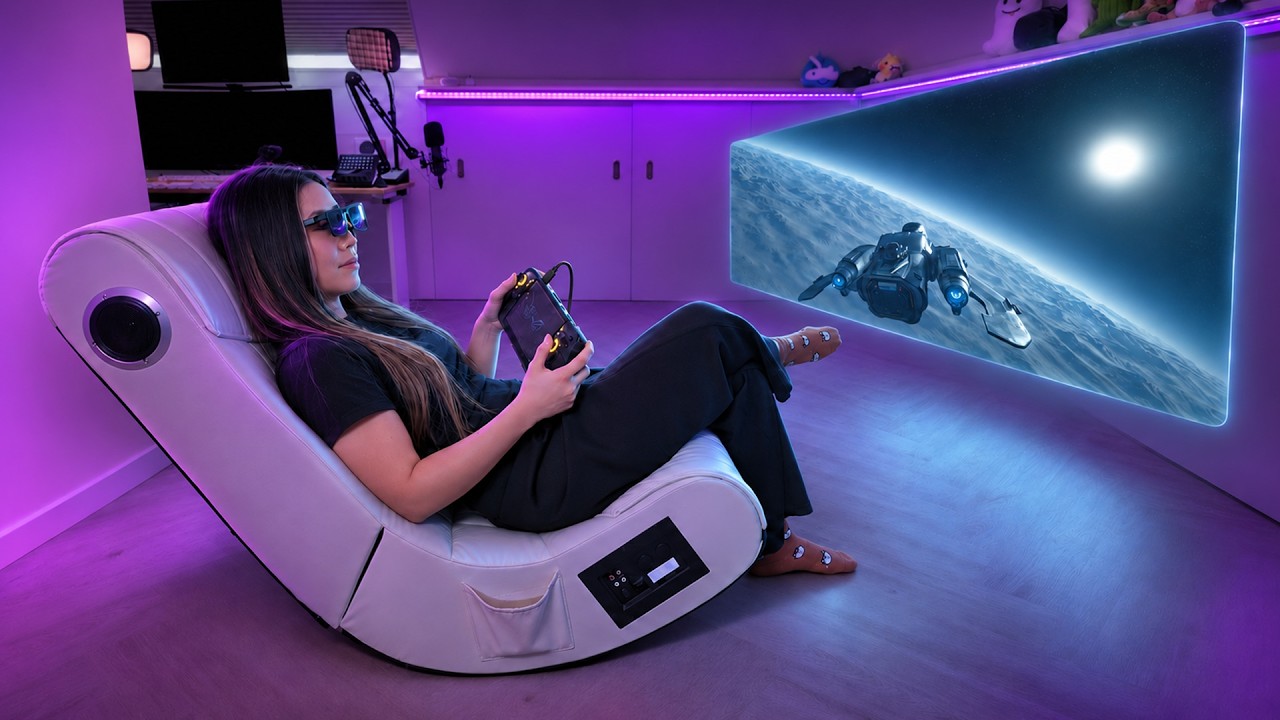
Meta Ray-Ban Display: 6 Months Later, EVERYTHING Changed (Except One Thing)
Half a year of updates later: web apps, vibe-coded games, neural handwriting and wider navigation, plus what Meta still hasn't fixed.
 By CasPublished Updated Video + article6 min read
When I reviewed the Meta Ray-Ban Display, my biggest complaint by far was that it was a walled garden. Not many apps, a glimpse of the future stuck in beta. Then Meta opened it up. Now people are playing Doom on their faces and building their own apps in an afternoon, and I tried it too. The finger-writing feature Zuckerberg promised works now as well. So I went back through my old cons one by one to see whether these glasses are worth it now. I bought this pair myself, and nobody sponsored this video.
A quick reset, and my old verdict
The Meta Ray-Ban Display are smart glasses with a small full-colour screen in the right lens. They come with the Neural Band, a wristband that reads the tiny muscle signals in your hand so you can control everything with small finger movements. I’ve lived with them for about half a year, through a lot of software updates.
In my original review, the Neural Band was the star of the show. The glasses felt sci-fi, and I loved navigation, which felt like a mini-map in real life. But I also said, and I’m quoting myself: “It’s a closed system, and that’s a major downside.” Everything was tied to Meta’s own social apps, which is great only if you use those a lot. So I told most of you to wait.
The closed platform: now open (as a developer preview)
Just a few weeks before this video, Meta opened the display to developers. There are two ways in.
Web apps
This is the one I care about most. Web apps are basically small websites you load into the glasses, and they can use the Neural Band, the motion sensors and even your phone’s GPS. Anyone can make one and send it to you as a link. Think new games in your lens, a grocery list, a cooking timer, a speedometer for runs: things Meta was never going to build, which someone else now can.
People already have Tetris running, and someone got Doom on the glasses, controlled with the Neural Band. It’s a bit gimmicky, but that it runs at all is crazy.
You don’t need to code, either. Describe what you want to an AI and it writes it for you. That’s vibe coding, and people are making apps in an afternoon. I had to try it. You know I want a Pokémon Go game on smart glasses, even if it looks like pixels. So I asked an AI to build a Meta Ray-Ban Display web app using the Neural Band, the motion sensors and GPS, where I catch randomly spawned Pokémon. It pointed out that Pokémon is licensed and built a different creature game called Wild Hunt instead. A few minutes later it was on my glasses, and I could walk around catching my own creatures. As an ex-developer, I find it wild that this is possible now.
To try it yourself:
- Turn on developer mode in the Meta AI app’s info settings.
- Add your web app by its link in the glasses settings, under app connections.
- It shows up on the glasses.
Is the closed platform complaint gone? Mostly, yes, and it’s the single biggest thing I asked for. But it isn’t open like a jailbroken phone where you can run anything, and it isn’t open like an app store where you tap install. It’s a developer preview, and Meta hasn’t said when it leaves testing or when normal people get a proper store. It’s open like a workshop, not a shop. Not yet.
The Wearables Device Access Toolkit
The second door is a set of tools Meta released last year that lets developers build what the glasses can do into their own apps, including using the camera and microphone. Privacy concerns aside, that means apps you already use on your phone can recognise what you’re looking at, stream your point of view live, or listen for quick commands and answer back.
Some big names are already building with it:
- Disney made a parks guide that recognises an attraction and gives you info and tips as you walk around.
- 18Birdies turns your glasses into a golf caddie, with yardages and club recommendations on the course.
- Be My Eyes has already rolled out. It connects blind and low-vision people with a sighted volunteer, and Meta calls it the first accessibility app on AI glasses. I think that’s a beautiful use case.
At first many of these apps only talked back with voice. Meta has since confirmed developers can put their own visuals on the display too: text, images, lists, buttons and even video. I haven’t seen many examples, because those apps aren’t public yet. This is what excites me, though. Until now, everything in the glasses was what Meta wanted to show you. Now any app can bring its own knowledge into your view, if Meta doesn’t gatekeep it too much.
Limited features: a lot more now
I also said the features were limited. You could DM on Instagram but not scroll your feed, and there was no YouTube or TikTok. Now:
- You can scroll, like, save and share Instagram Reels from your feed.
- You can browse Spotify playlists.
- Audible audiobooks are there.
- You can say “Hey Meta, play a song to match this view” and it picks music based on what the camera sees.
- For YouTube or TikTok, people can now build web apps.
The wall didn’t just crack, you can build your own door. That’s another big frustration gone.
Neural handwriting
This one wowed me. You reply to messages by writing letters with your finger, scribbling on any surface, even your lap, and the Neural Band reads it. It feels like magic the first time, and it works better than I expected. It’s slow, so it won’t replace your phone for a paragraph. But when you’re out with a coffee in your hand and need a quick reply, it’s great.
The limits:
- It works in Instagram, WhatsApp, Messenger and native Android and iOS messaging, and nowhere else until Meta allows it.
- Officially it’s US English only. You can write in other languages, but it may autocorrect to English words, and predictive text (where it guesses your next word) won’t help you.
I’d love to see non-alphabetic languages like Chinese one day. That’s a whole other challenge, but imagine.
Navigation finally left the US
Navigation was my favourite feature, but outside America the start button simply didn’t work. Now it covers the whole US plus international cities like London, Paris and Rome. The rollout has been slow, city by city, and Meta hasn’t explained why. Its maps use data from OpenStreetMap and Overture, and I do wonder if it would have gone faster with Google Maps. Better than before, but the slowest fix on the list.
Everything else Meta added
- Home screen widgets: calendar, reminders, weather, stocks. You can link Google Calendar or Outlook now.
- Hands-free timers: say “set a timer” and watch it count down. I use timers as reminders a lot, so yes please.
- Display recording: records what’s in the lens, the world and audio into a one-minute shareable clip. Big for creators, and it’s how I can finally show you the view from inside without the trouble I had before.
- Live captions on calls: real-time transcription on your display, English only, now on WhatsApp, Messenger and Instagram calls as well as phone calls.
- WhatsApp group video calls, where you can flip to your point-of-view camera so everyone sees what you see.
- Up to 30 WhatsApp message threads at once, new games like 2048, a teleprompter, and an adaptive display that adjusts contrast to your lighting.
What’s still not fixed
Battery. This is the big one. It’s still around three to six hours depending on use, and it drops fast if you lean on the display or camera. Web apps make it worse in practice. They aren’t offline apps, they need internet, so a connection runs in the background, and with so much more to do you keep the display on more. I’ve had the battery die in about two hours. At this price, that still makes them hard to recommend.
Phone notifications. You still can’t get all of them, my email app for example. It’s mostly Meta’s own apps and whatever Meta chooses to integrate. I use an iPhone, and Android reportedly allows more. Meta mostly blames Apple, and there’s some truth to that, but my Even Realities glasses show my iPhone notifications fine, so I’m not sure why Meta can’t.
Translation. The language rollout is slow too: a couple more languages on the non-display models, and more, like Hindi, Arabic and Chinese, in the US early access programme, but not widely available. Even Realities supports 35 languages, and the Google XR glasses I tried translated and switched languages noticeably faster.
The more smart glasses I try, the more I value integrated features that help my real life, like Conversate on Even Realities. It explains concepts as people talk, helps you remember things and gives you a summary with action points afterwards. It’s why I use those glasses more.
And the rest is the same as before:
- No landscape video.
- The Neural Band still leaves marks after a few hours.
- You can’t export caption transcripts, and there’s no AI summary, which most other glasses have.
- The display still has a faint, noticeable waveguide and soft edges. I sometimes see a bit blurrier with them on, though I don’t normally wear glasses, so that might be me.
Is the Meta Ray-Ban Display worth it now?
At $799, it’s a lot more tempting than when I bought it. The walled garden, my biggest annoyance, is mostly gone, and I didn’t expect it to go like this: vibe-coded apps, much more content, and handwriting that feels like magic. The Neural Band is still the star, and no other glasses have one. Nothing else lets you control glasses this naturally.
It’s clearly the future, but it hasn’t shaken that dev-kit feeling, and the battery alone keeps it out of must-buy territory for me. Many features are still limited to the US, so it also depends on where you live.
If you’re a developer, a tinkerer or someone who loves living on the edge of what’s possible, this just got a lot more fun, so go for it. Everyone else, I’d wait for a new version with a better battery. There are rumours we may hear more at Meta Connect in September, though I’m not sure the hardware for new display glasses is that far along. You can read Meta’s own summary in its six months of Meta Ray-Ban Display post, and developers can start with the build for Display guide.