XREAL One Pro Review: The BEST 171″ AR Display Yet
My XREAL One Pro review: what the X1 chip, flat prism lenses and the XREAL Eye add, how it looks and sounds, and who it's worth $649 for.
 By CasPublished Updated Video + article6 min read
The XREAL One Pro does not disappoint. It feels like a private movie theater in your pocket, and yes, I’ve said that before, but this time it goes further: we’re finally stepping into actual AR territory. XREAL was the first smart glasses brand I ever reviewed, almost four years ago, and I’ve tested a lot more since. They’ve clearly been listening, fixing the right things and adding smart features. In this XREAL One Pro review I’ll go through what’s new, who it’s for, and the one feature that completely surprised me.
What’s new compared to the XREAL One
The XREAL One came out in December for $499. The One Pro is the same line with serious upgrades, for $649.
- A wider field of view of 57 degrees, which XREAL says feels like a 171-inch screen, up from the One’s 50 degrees (around 147 inches). The inch figure isn’t literal. It’s a way to picture it, like a 171-inch TV floating a few meters away. The field of view is what decides how much of your vision the image fills.
- Flat prism lenses are smaller and flatter, so the glasses look and feel less bulky. I like where this form factor is going. They’re paired with Sony micro-OLED panels at up to around 700 nits, which cuts reflections, sharpens the image edge to edge and gives clean colour and contrast.
- The built-in X1 chip gives you native 3DoF tracking and smoother performance without extra hardware like the Beam Pro. Anchoring your screen in space works out of the box: plug into a USB-C device, press one button, and the screen locks in place. Most display glasses still need something external for that.
- 6DoF is optional. Add the XREAL Eye ($99), a tiny camera module that snaps into the glasses, and you get positional tracking, so the screen stays put even when you walk around. It also takes photos and videos. The glasses are starting to feel modular in the best way, growing with what you want to do.
- Two IPD sizes cover 57 to 66 mm and 66 to 75 mm, with some fine-tuning in software. Lining the lenses up with your eyes gives a sharper, more stable image. The downside is sharing: if you and a partner sit at opposite ends of the range, one of you might not get the best picture. I couldn’t test that myself.
What’s in the box and setup
- The One Pro glasses
- A USB-C to USB-C cable
- A hard-shell case, slightly smaller and flatter at the bottom now, so it sits more stably
- Nose pads in three sizes (small, medium, large)
- A cleaning cloth and the manual (which we all definitely read)
A single USB-C cable connects them to most phones, tablets and laptops with USB-C DisplayPort Alt Mode, and an HDMI adapter adds more devices. Device support has improved a lot over the years.
Design and comfort
The One Pro weighs around 87 grams, a bit heavier than its predecessors, but it still feels very wearable. The flatter lenses shift the centre of gravity, so they’re less front-heavy and slide down your nose less when you look around or move.
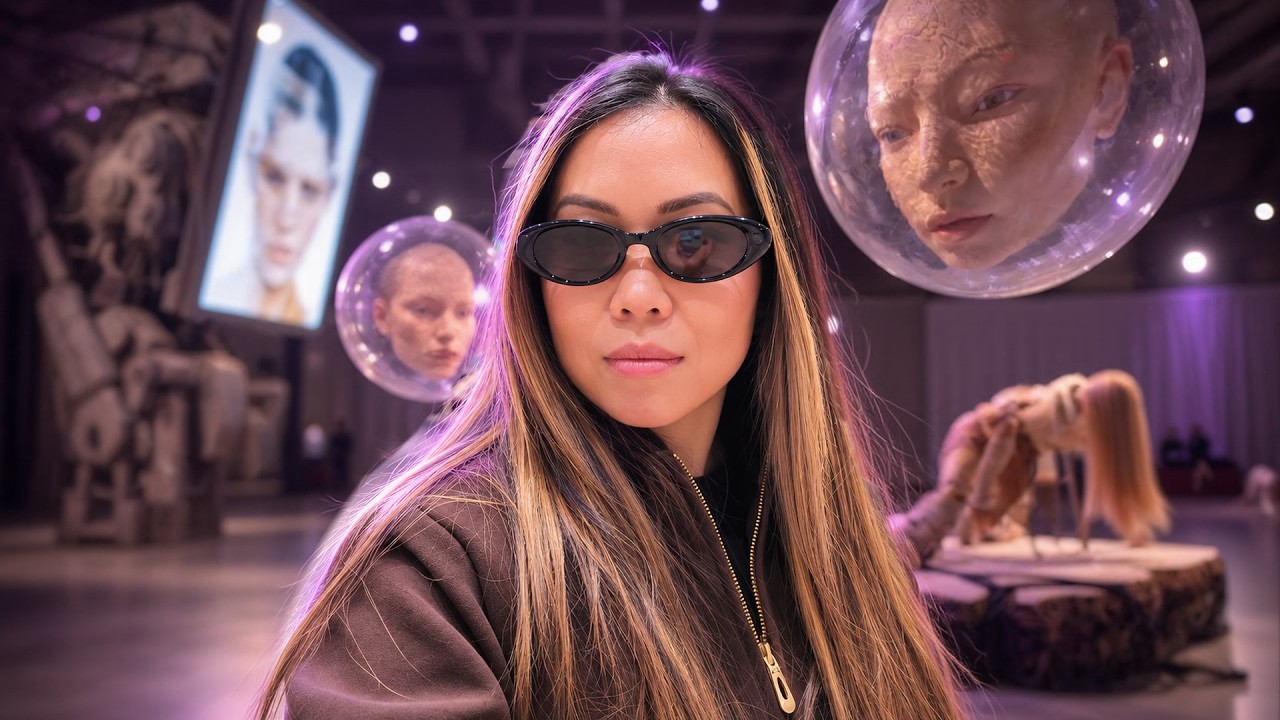
You get three nose pads and three fixed hinge positions on the arms. I wore them for a full day to test comfort, and they surprised me. They felt as casual as regular sunglasses: I notice them at some point, but it’s easy to forget I’m wearing tech.
Electrochromic dimming switches between three tints with one button: clear, shade and theater. It helps in bright sunlight or when you want to focus, and the darkest mode blocks out your surroundings almost completely.
Two nitpicks: the hinge makes a loud click when you adjust it, and the cable is a little short, which you’ll notice if your USB-C port is in an awkward spot.
X1 chip features and spatial computing
This is what sets the One Pro apart. Because the chip is in the glasses, some features run on their own. The first time you power them on, a built-in tutorial walks you through the buttons, with no app or setup needed.
The best part is the stabilization. The screen stays steady as you move your head, without jitter or shake. It’s the difference between shaky handheld footage and smooth gimbal video. XREAL was one of the first to add this and has clearly refined it: I can even walk around and it holds up. All display glasses should have it.
Native 3DoF unlocks four display modes, all switchable from the glasses:
- Follow makes the screen follow your gaze. Good for movies and casual browsing.
- Anchor locks the screen in space. Great for typing, and the mode I use most.
- Side View pins a small screen to the side so you can multitask.
- Ultra Wide is my new favourite, a huge curved screen of around 310 inches. It feels a bit like the Apple Vision Pro’s Mac Virtual Display, though at a lower 3840 x 1080 by default. It still looks sharp. The field of view isn’t wide enough to see it all at once, so you turn your head left and right. It’s a killer feature, but it doesn’t work on every device: it worked on my MacBook Pro but not on my iPhone 16 Pro Max.
There are physical controls on the frame too: a red button on the bottom for quick access to display modes, and a customizable button on top. Double tap the red button and a settings menu pops up where you can change screen size, distance, brightness, colour and contrast, and turn on 3D mode, all without an app. It’s also a good reminder of everything the glasses can do.
The XREAL Eye and the Beam Pro
The XREAL Eye is a tiny 1.5-gram camera that snaps into a slot in the middle of the frame. It’s so cute. Turn on Spatial Anchor in the settings and you get a 6DoF display mode. The screen no longer only moves with your head: it stays locked in space as you move closer or further away, so it feels like it’s actually in your room. You can walk around it or lean in, like a real monitor. That’s much more natural than a screen stuck to your head.
With just one camera doing the tracking, it can drift more often than a VR headset with several sensors. When it loses position, a quick button press recentres the screen. It isn’t full mixed reality, but it’s a step towards spatial AR, and it feels really cool in this form factor.
The Eye also takes 12-megapixel photos and 1080p video at 60fps, with 2GB of storage. The quality is fine for quick snaps or notes. Exporting is easy, but I don’t see myself using it much. It can’t record mixed reality video; you’d need the Beam Pro for that.
The Beam Pro is a separate add-on: a phone-like Android device with a 3D camera system, Google Play Store apps and two ports, so you can charge it while using the glasses. It turns the glasses into a portable Android spatial computer. I like how modular this is becoming, but not everyone needs all the extras.
Visual performance
The display looks really good: sharp 1080p at 120Hz, around 700 nits, and Sony micro-OLED with deep contrast and colours that pop. The image is solid from edge to edge with no warping or haze. There’s a bit of chromatic aberration when you read text at the far sides, but it’s subtle.
The flat prism lenses also reduce reflections. Older birdbath optics often reflected your surroundings back at you, and that’s much less of a problem now. I still noticed some screen reflection at the bottom, especially with subtitles, but with the right fit it’s much less noticeable. The 57-degree field of view feels noticeably wider than before. Overall the picture looks polished and pro-level.
Audio and microphones
The Bose-tuned speakers are surprisingly loud. I always test on a plane, because if speakers can handle airplane noise they can handle anything, and these were loud enough there, which isn’t always the case with open-ear display glasses. You can still plug in headphones for more bass or privacy, but it’s nice not to wear anything else on a long trip.
The microphones work for calls and video chats in stereo and sound surprisingly good. Watch out for echo: the speakers sit close to the mics, so with the volume cranked up, the other person may hear their own voice come back.
Real-world use
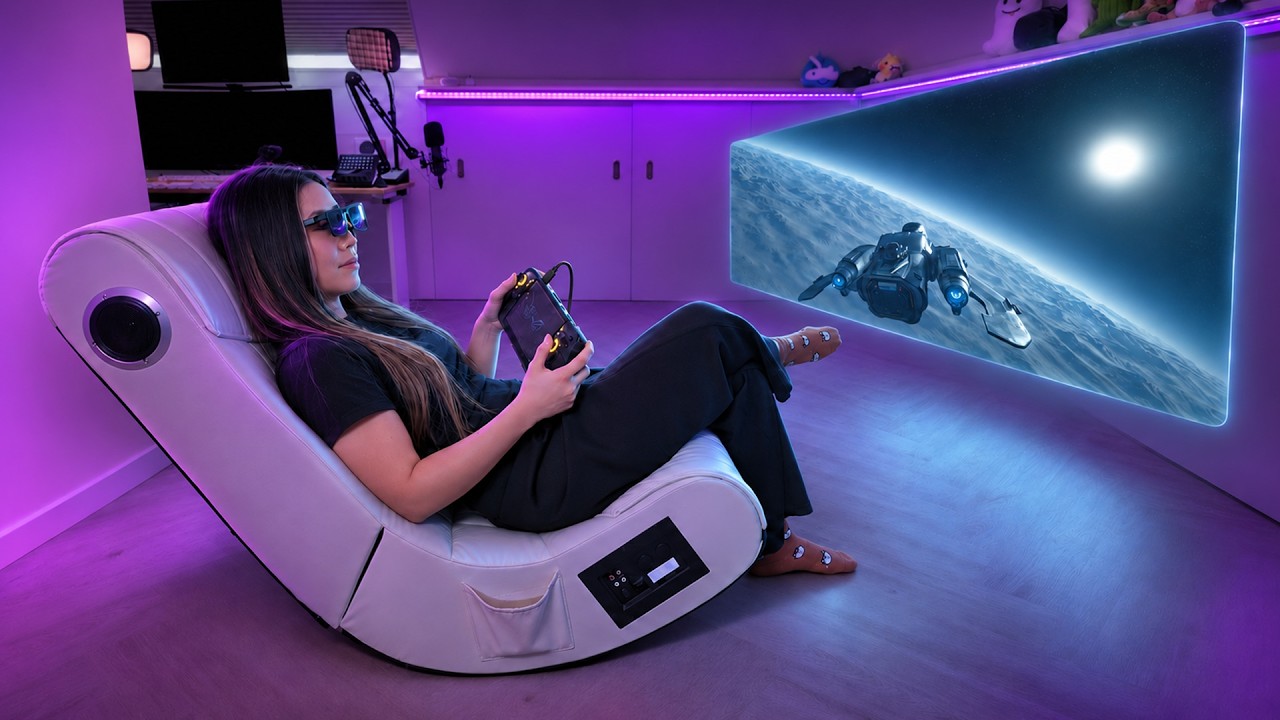
They’re the perfect travel buddy. Any seat becomes your own movie theater or a small work setup, and on a long flight they made the trip feel way shorter. Day to day they fold neatly into the case and connect quickly to my phone, laptop and tablet. For remote work it’s great to change scenery, sitting in the garden without dragging a monitor along.
Outdoor use is still limited. The lenses are semi-transparent, and you’re not going to walk around while using them. They’re built mainly for screen mirroring: you watch content, you don’t interact with digital objects or get information layered onto your surroundings the way Google’s XR glasses are aiming for. If you want to work outside, the display is bright enough in sunlight even on the lightest tint, and a darker tint makes it clearer still.
Price is a factor. At $649 it’s about $150 more than the original One, which is a lot on a budget. Unlocking every feature means extras like the Beam Pro, the Eye, prescription lenses and maybe console adapters, and the cost can pile up fast.
XREAL One Pro review verdict: who it’s for
It’s for people who want a big private screen that travels with them, for gaming, flights or remote work. You get sharp visuals, strong audio and enough comfort to wear it all day, and it’s plug and play with no app or extra setup.
What seals it for me is the built-in stabilization and tracking, whether that’s 3DoF or 6DoF with the Eye. The X1 chip, the display modes and the on-glasses menu come together in a way that’s powerful but still easy to use. XREAL nailed that balance, and after using these, other glasses feel more limited. The price and add-ons make it more of an enthusiast pick, but if you’re excited about spatial displays like I am, this is my go-to for 2025 until something better comes along.